


SCOM Console Crashes
When I connect SCOM console to one of my clients SCOM 2007 R2 environment, under Authoring Pane, if I change the display scope of Monitors or Rules to “View all target” and select everything:
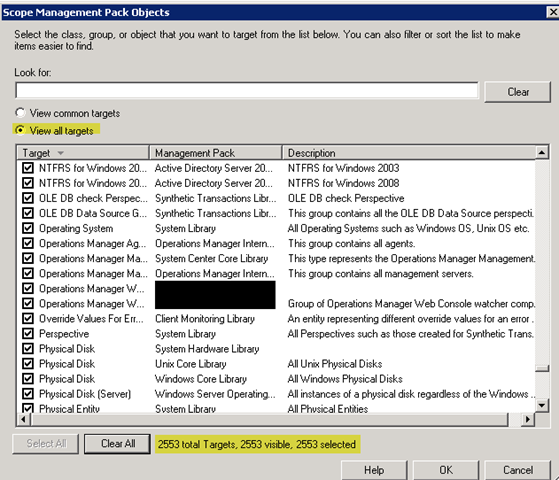
the console crashes. – Maybe there are too many objects for it to handle.
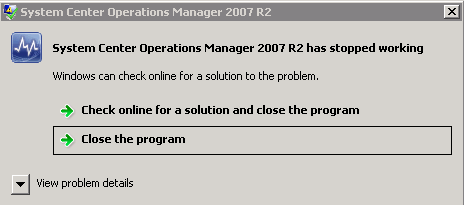
After the crash, when I re-launch the console, I cannot go back into Authoring Pane. It crashes everytime I click on “Authoring”.
To fix it so I can go back to Authoring Pane, I had to delete this registry key:
HKEY_CURRENT_USER\Software\Microsoft\Microsoft Operations Manager\3.0\Console\Navigation\MonitoringConfigNavSettings\ScopedClasses
I started the console again after the deletion and I could go back in with the default setting!
Leave a comment