


Get SCCM site roles using Powershell
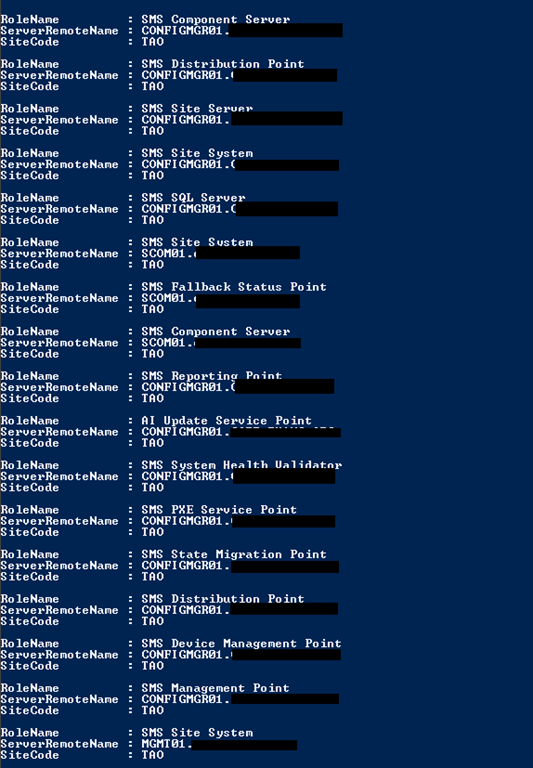
You can run the following on the site server to find out the servers holding each SCCM role:
$SMSProvider = get-wmiobject sms_providerlocation -namespace root\sms -filter "ProviderForLocalSite = True"
$SiteCode = $SMSProvider.SiteCode
$ProviderMachine = $SMSProvider.Machine
get-wmiobject -Class SMS_SystemResourceList -NameSpace root\sms\site_$SiteCode -Computername $ProviderMachine | format-list RoleName,ServerRemoteName,SiteCode
Leave a comment